


使用 dify+firecrawl 构建本地化知识库
测试 `` 写法是否能在构建后输出到 /posts/<slug>/assets/
1 Dify
提供 Agentic 工作流、RAG Pipeline、丰富的集成及可观测性等一站式能力,让 AI 触手可及。
https://github.com/langgenius/dify
1.1 本地安装
git clone <https://github.com/langgenius/dify.git>
cd dify
cd docker
cp .env.example .env
docker compose up -d

docker ps
677a8a26f987   nginx:latest                                "sh -c 'cp /docker-e…"   20 hours ago   Up 3 hours             0.0.0.0:80->80/tcp, [::]:80->80/tcp, 0.0.0.0:443->443/tcp, [::]:443->443/tcp   docker-nginx-1
ec7fa99b025a   langgenius/dify-api:1.9.2                   "/bin/bash /entrypoi…"   20 hours ago   Up 3 hours             5001/tcp                                                                       docker-worker-1
2f7a4a1f285b   langgenius/dify-api:1.9.2                   "/bin/bash /entrypoi…"   20 hours ago   Up 3 hours             5001/tcp                                                                       docker-api-1
9c91a08ff477   langgenius/dify-api:1.9.2                   "/bin/bash /entrypoi…"   20 hours ago   Up 3 hours             5001/tcp                                                                       docker-worker_beat-1
c234c4482da0   langgenius/dify-plugin-daemon:0.3.3-local   "/bin/bash -c /app/e…"   20 hours ago   Up 3 hours             0.0.0.0:5003->5003/tcp, [::]:5003->5003/tcp                                    docker-plugin_daemon-1
5abaf48838e1   postgres:15-alpine                          "docker-entrypoint.s…"   20 hours ago   Up 3 hours (healthy)   5432/tcp                                                                       docker-db-1
97366a6d2efa   redis:6-alpine                              "docker-entrypoint.s…"   20 hours ago   Up 3 hours (healthy)   6379/tcp                                                                       docker-redis-1
5b305480f138   langgenius/dify-web:1.9.2                   "/bin/sh ./entrypoin…"   20 hours ago   Up 3 hours             3000/tcp                                                                       docker-web-1
ebbebba8d494   langgenius/dify-sandbox:0.2.12              "/main"                  20 hours ago   Up 3 hours (healthy)                                                                                  docker-sandbox-1
2d5ac9bde24e   semitechnologies/weaviate:1.27.0            "/bin/weaviate --hos…"   20 hours ago   Up 3 hours                                                                                            docker-weaviate-1
e10b58e6c2df ubuntu/squid:latest "sh -c 'cp /docker-e…" 20 hours ago Up 3 hours 3128/tcp docker-ssrf_proxy-1启动以后,通过http://localhost/install启动仪表盘,并开始初始化过程。
2 Firecrawl
是一项 API 服务,它接收一个 URL,对其进行爬取,并将其转换为清晰的 markdown 或结构化数据。我们会爬取所有可访问的子页面,并为每个页面提供清晰的数据。无需站点地图。
https://github.com/firecrawl/firecrawl
2.1 本地安装
git clone <https://github.com/mendableai/firecrawl.git>
cd firecrawl
cp ./apps/api/.env ./.env
2.1.1 修改配置文件
## To turn on DB authentication, you need to set up supabase.
USE_DB_AUTHENTICATION=true #这里改成false,不需要数据库
# use if you've set up authenticaion and want to test with a real API key
TEST_API_KEY=ceshi #这里要记住后面要用
2.1.2 启动
docker compose up -d这里由于网络的原因可能需要科学上网,docker 拉取的时候大概率失败,可以加入镜像源。 修改 docker的daemon.json文件:
{
  "builder": {
    "gc": {
      "defaultKeepStorage": "20GB",
      "enabled": true
    }
  },
  "experimental": false,
  "registry-mirrors": [
    "<https://docker.h1mirror.com>",
    "<https://docker.1ms.run>"
  ]
}
经过 10-20 分钟的等待:
[+] Running 7/7
 ✔ firecrawl-playwright-service              Built                                                                                                                                                                                                                                                                    0.0s
 ✔ firecrawl-api                             Built                                                                                                                                                                                                                                                                    0.0s
 ✔ Network firecrawl_backend                 Created                                                                                                                                                                                                                                                                  0.0s
 ✔ Container firecrawl-playwright-service-1  Started                                                                                                                                                                                                                                                                  0.5s
 ✔ Container firecrawl-nuq-postgres-1        Started                                                                                                                                                                                                                                                                  0.5s
 ✔ Container firecrawl-redis-1               Started                                                                                                                                                                                                                                                                  0.5s
 ✔ Container firecrawl-api-1                 Started
 curl -X GET <http://localhost:3002/test>
 Hello, world!%
说明启动成功!
3 ollama
快速启动并运行OpenAI gpt-oss、DeepSeek-R1、Gemma 3及其他模型。
https://github.com/ollama/ollama
4 构建本地知识库
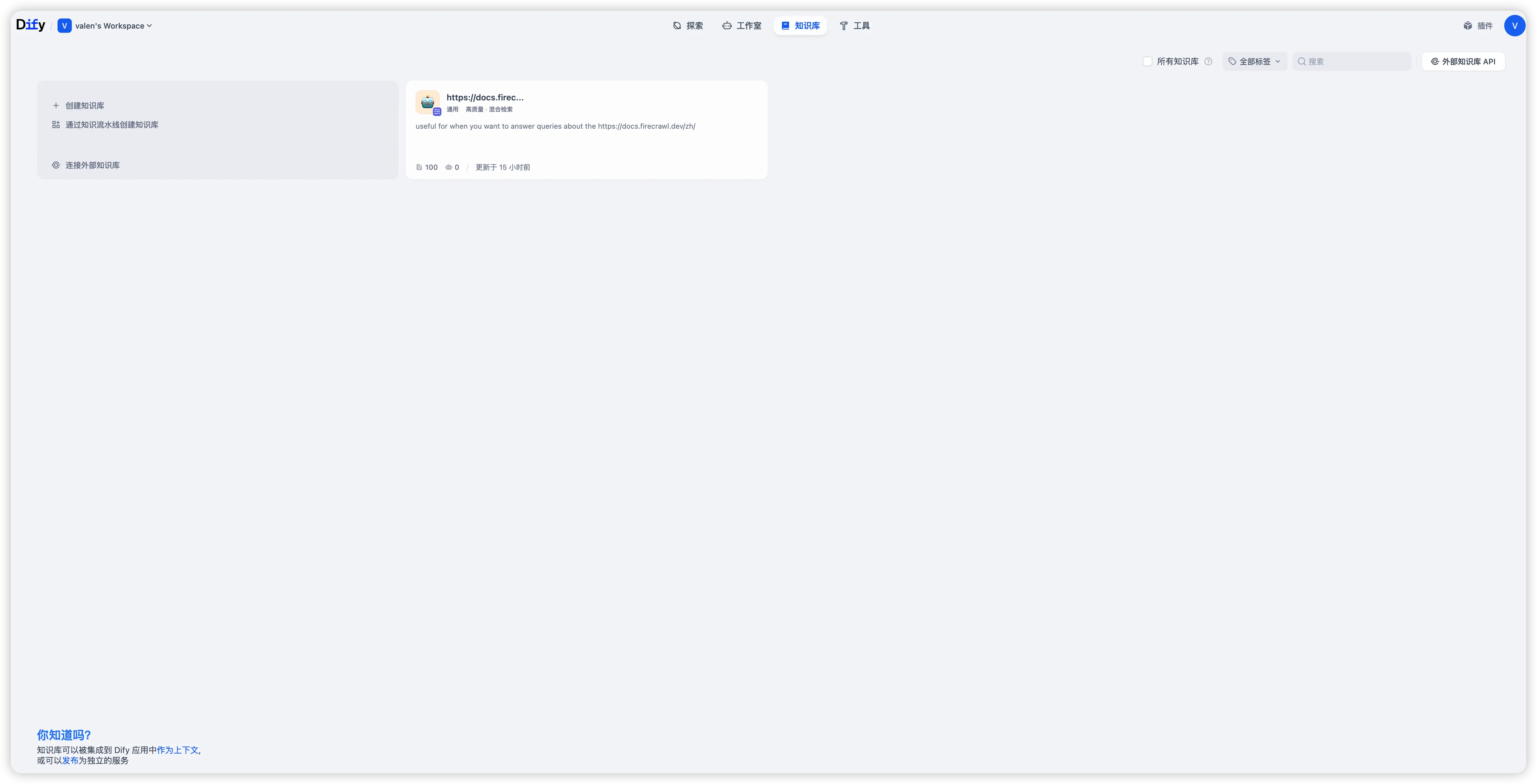
- 打开本地 dify
通过http://localhost链接打开,进入知识库
- 安装 Firecrawl 插件,进行 API Key 授权配置
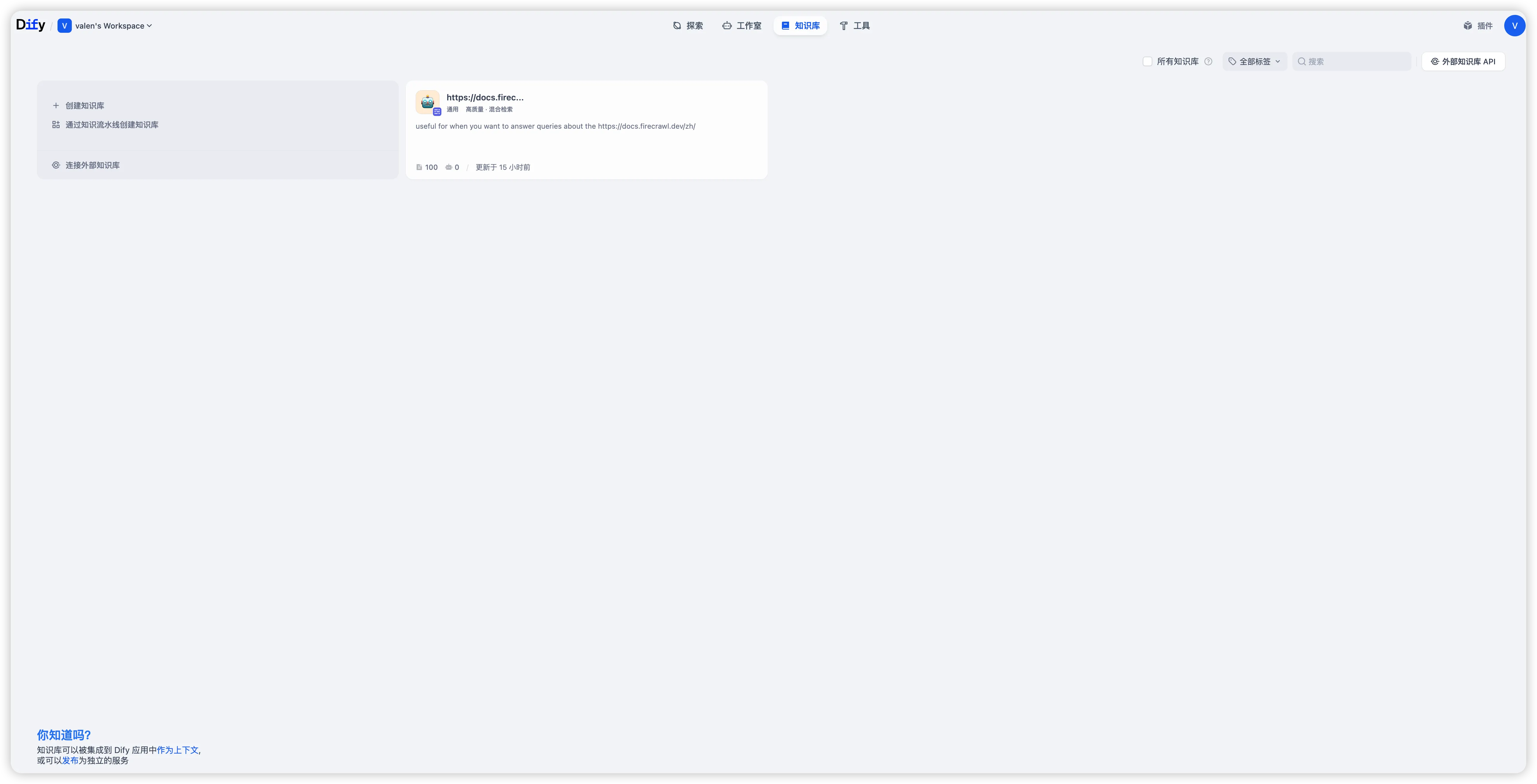 其中 Firecrawl API 密匙填写的是在安装 Firecrawl 时配置的
TEST_API_KEY=ceshi。
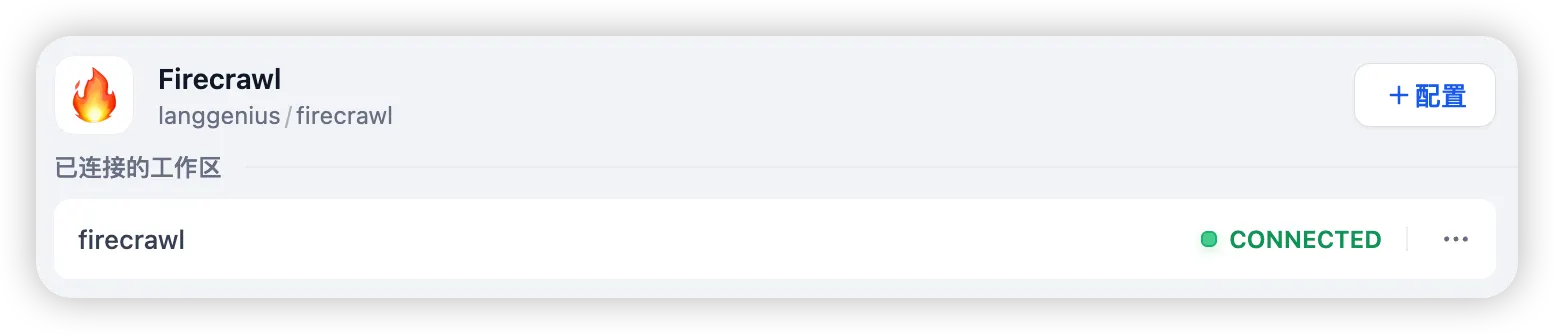
成功以后,数据来源显示 CONNETED 。
- 创建知识库
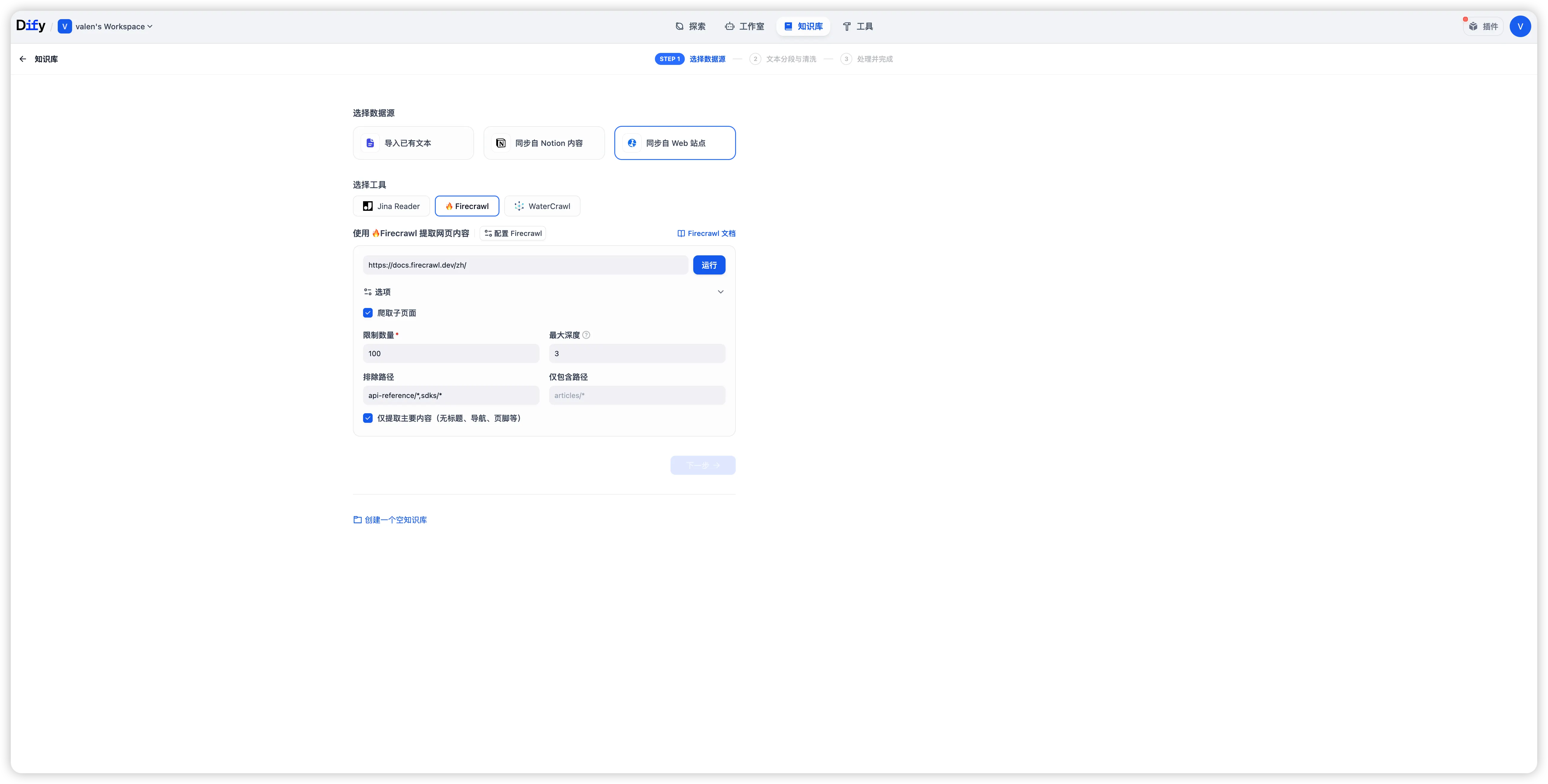
选择同步自 web 站点,选择工具-Firecrawl,爬取 Firecrawl 所有的支持文档。
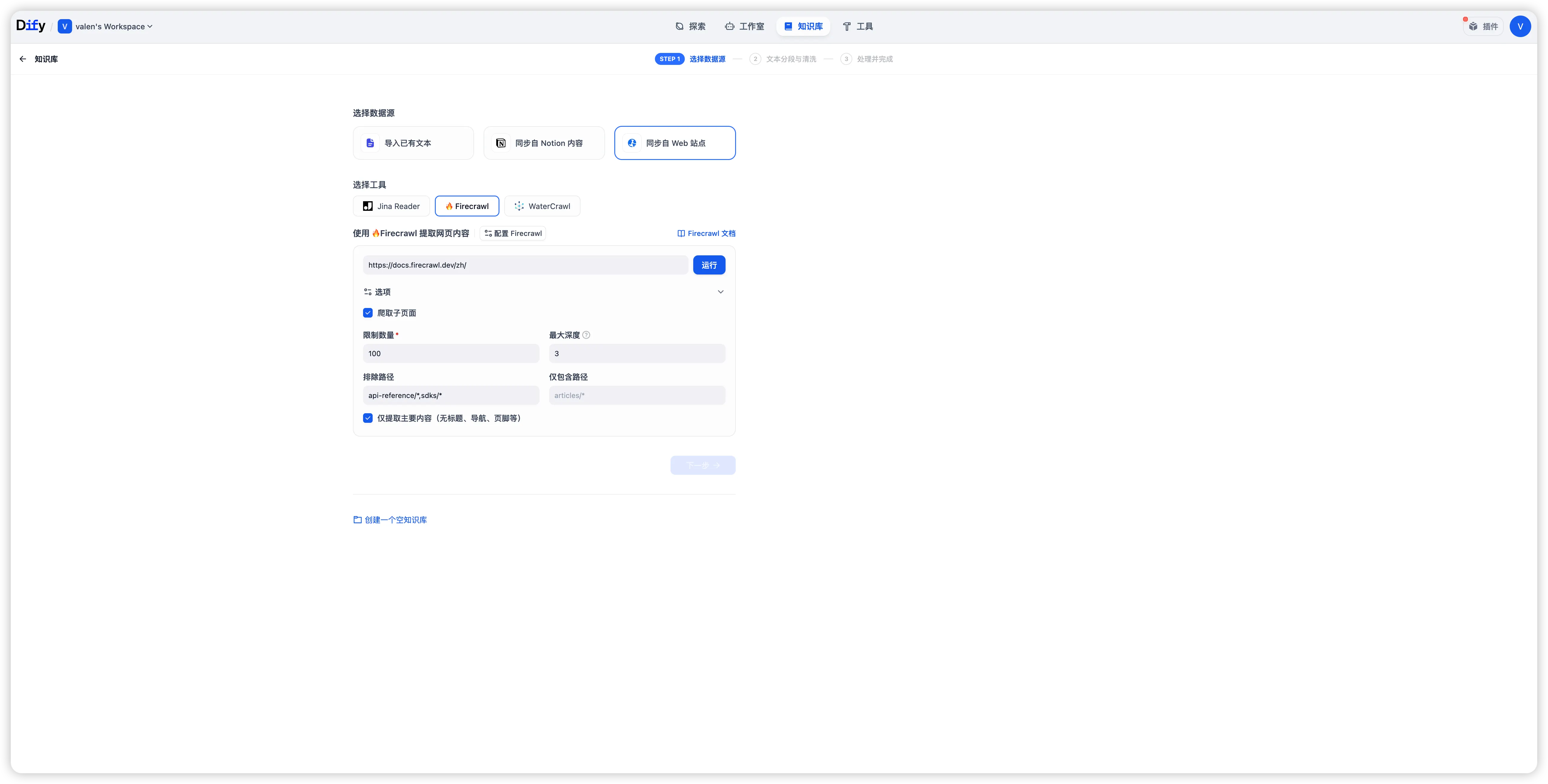
- 限制数量:自行选择爬取的页面数量,这里填个 100
- 最大深度:页面层级,这里我们写 3
- 排除路径:这些路径页面不需要爬取,排除 sdk 和 API 相关页面
- 仅包含路径:只爬取指定路径页面
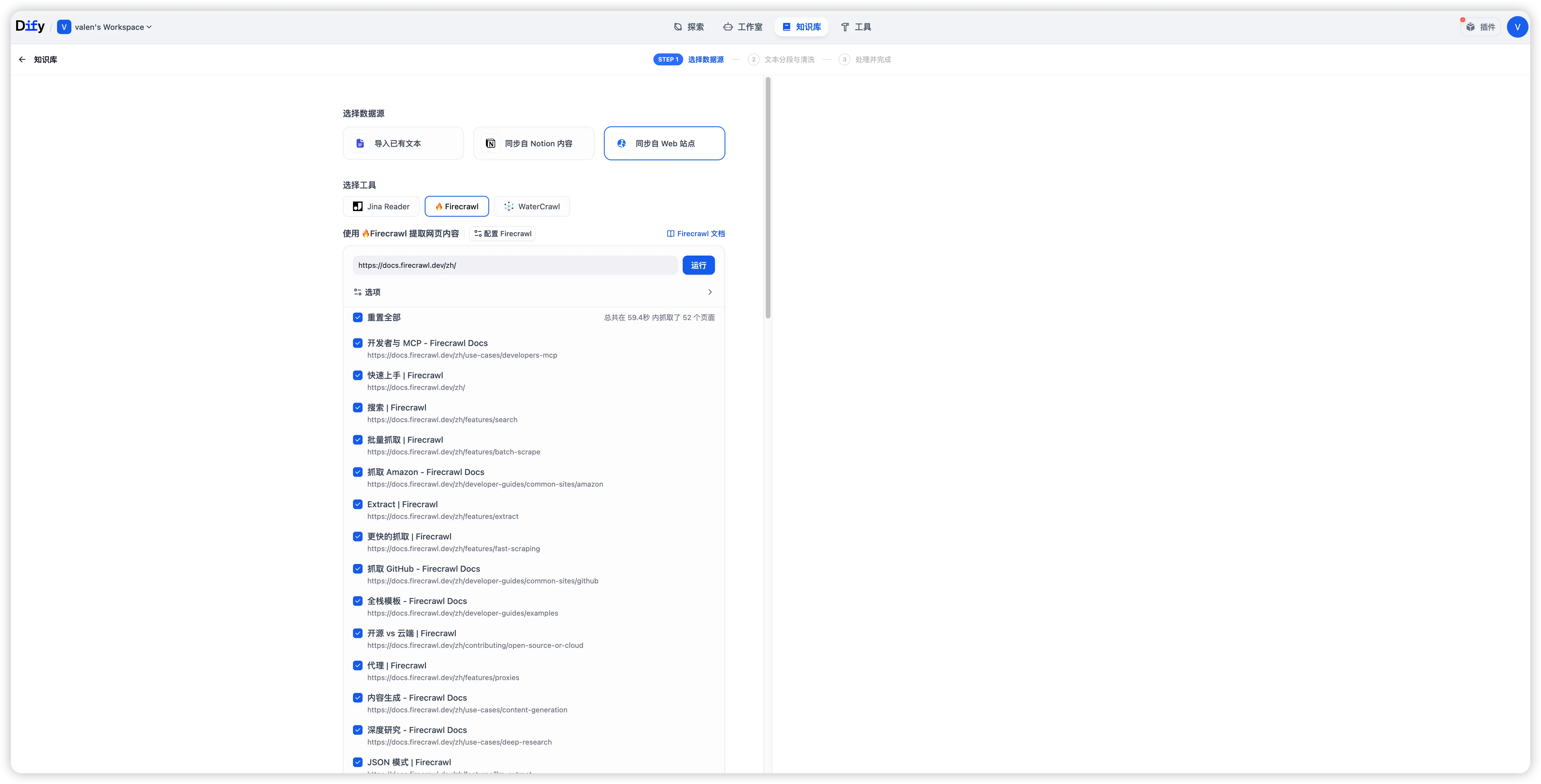
总共爬取了 52 个页面,耗时1 分钟
 进入下一步:
-
分段设置:选择默认
-
索引方式选择:高质量
Embedding 模型选择 ollama 本地部署的 mxbai-embed-large 。
mxbai-embed-large 是高性能文本嵌入模型,其核心定位是将文本转换为高维语义向量,适用于语义搜索、文本聚类、推荐系统等任务
-
检索设置
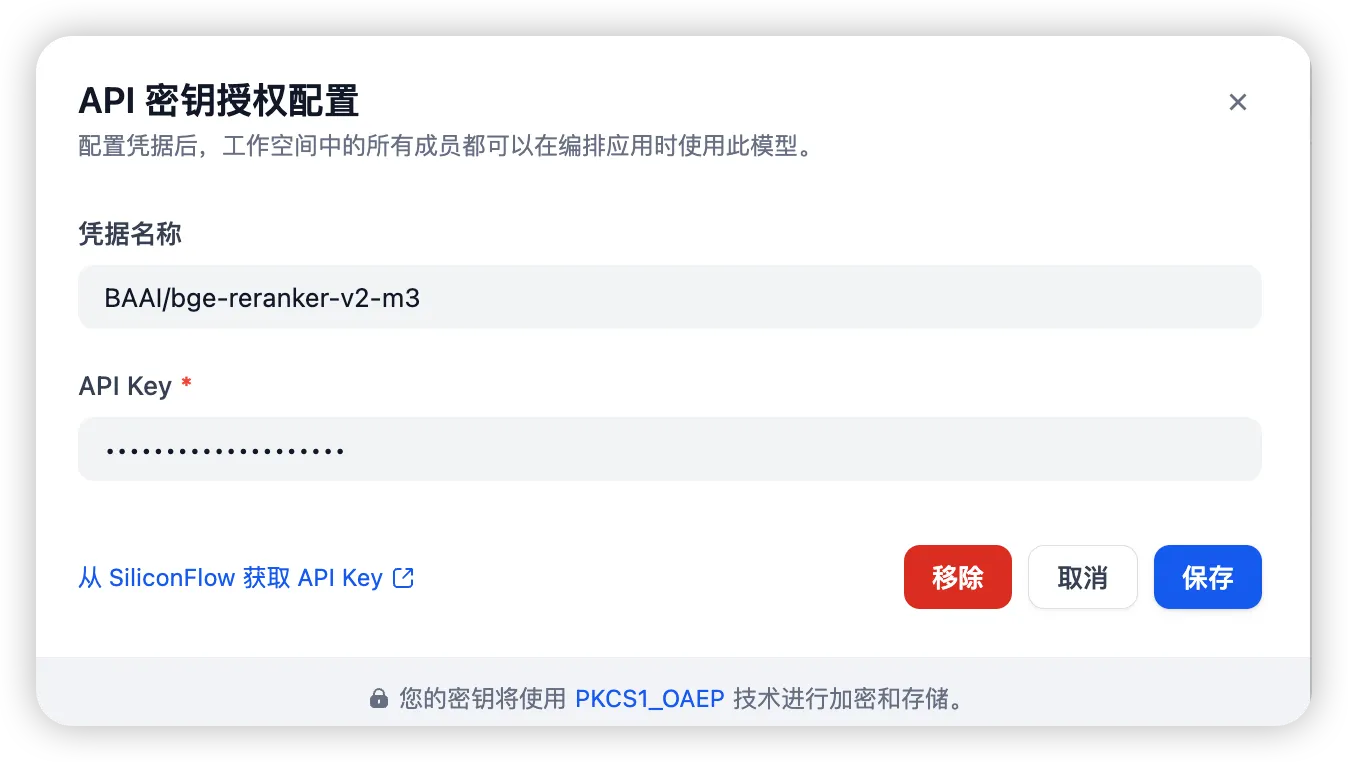
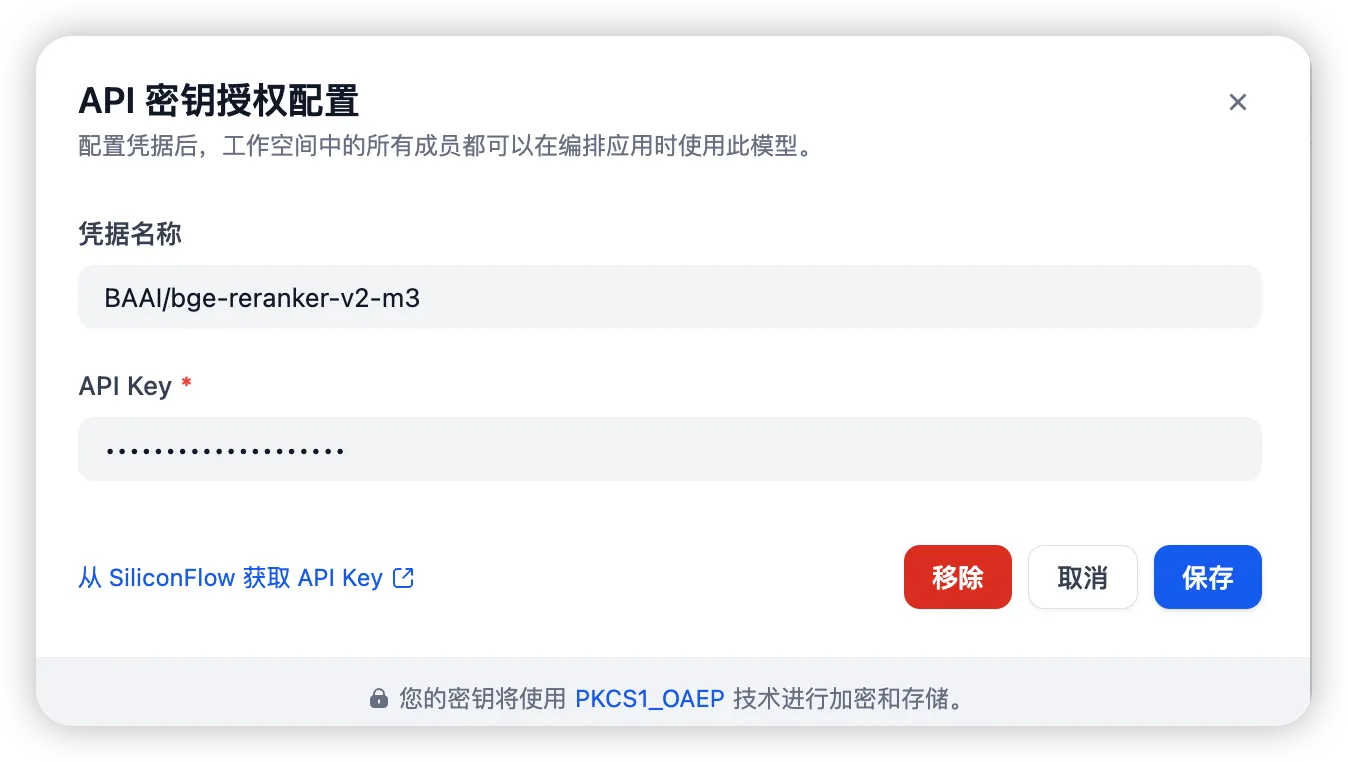
Rerank 模型目前网上有开源模型,但是 ollama 不支持 Rerank 模型的部署,这里选择硅基流动的BAAI/bge-reranker-v2-m3免费模型。
BAAI/bge-reranker-v2-m3 是一个轻量级的多语言重排序模型。它基于 bge-m3 模型开发,具有强大的多语言能力,易于部署,并且推理速度快。该模型采用查询和文档作为输入,直接输出相似度分数,而不是嵌入向量。它适用于多语言场景,特别是在中文和英文处理方面表现出色。
- 保存并处理
 等待所有页面嵌入处理完毕。
5 创建 Chatflow
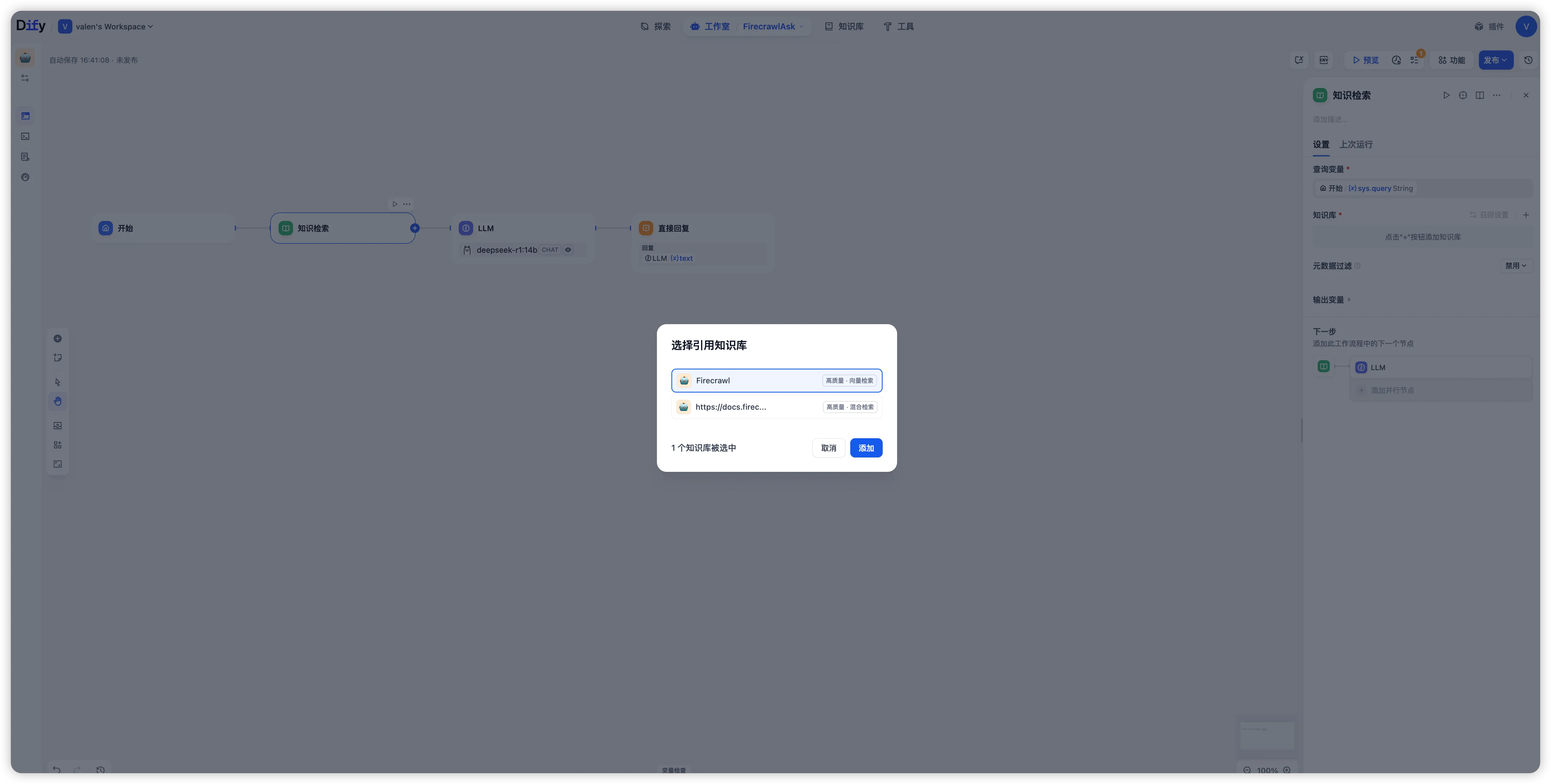
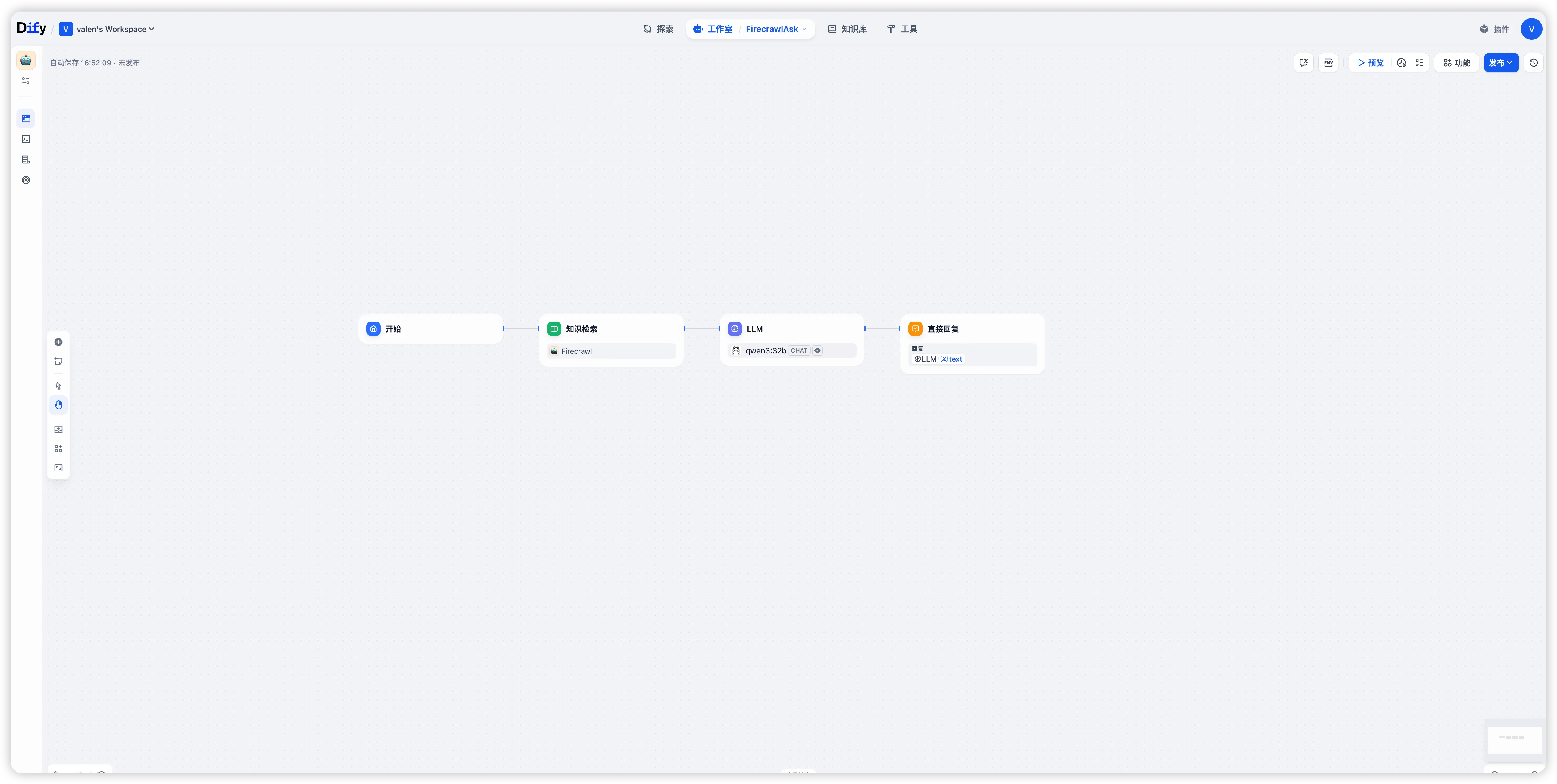
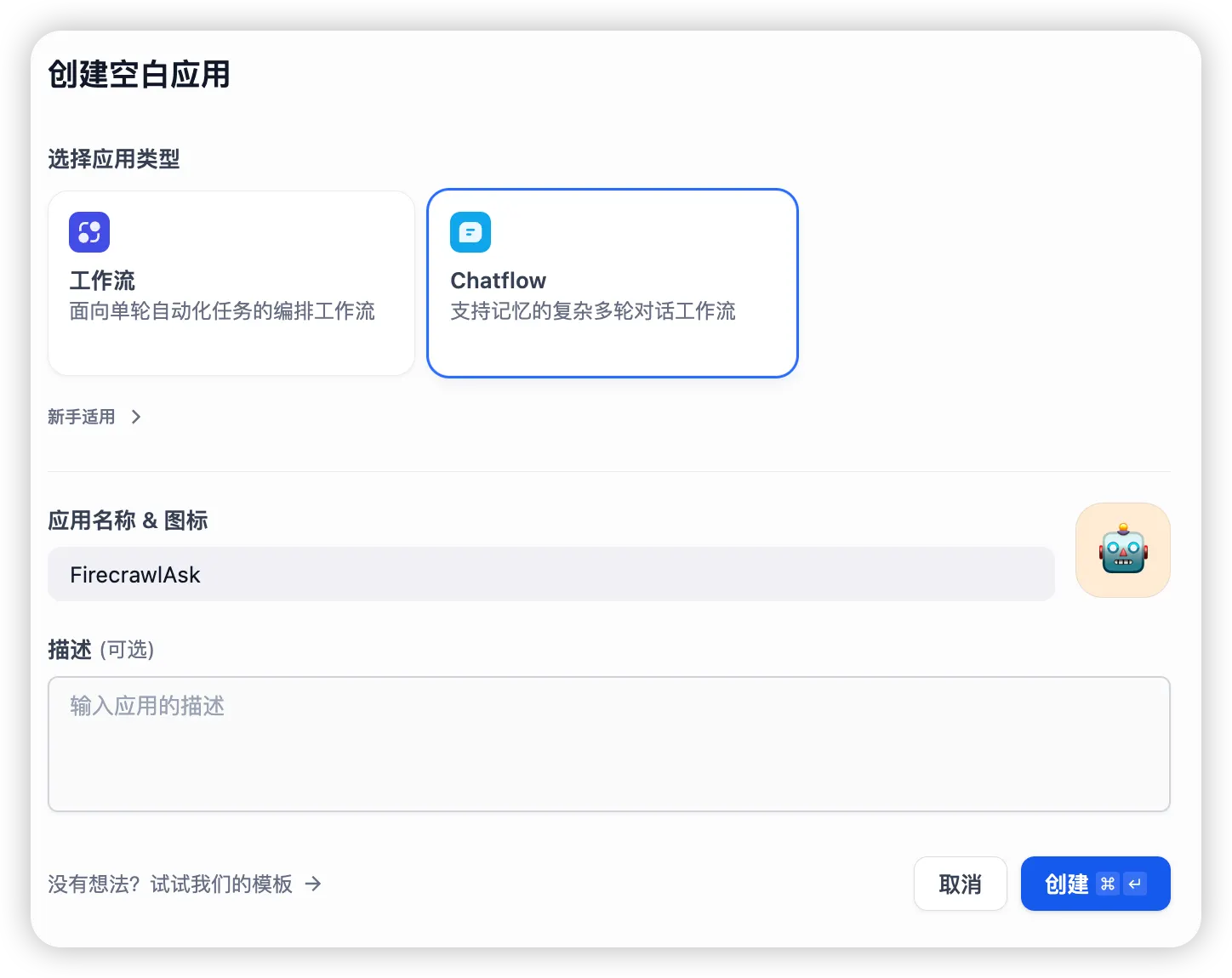 1、增加知识检索节点
- 添加刚才生成的知识库
- 配置召回设置
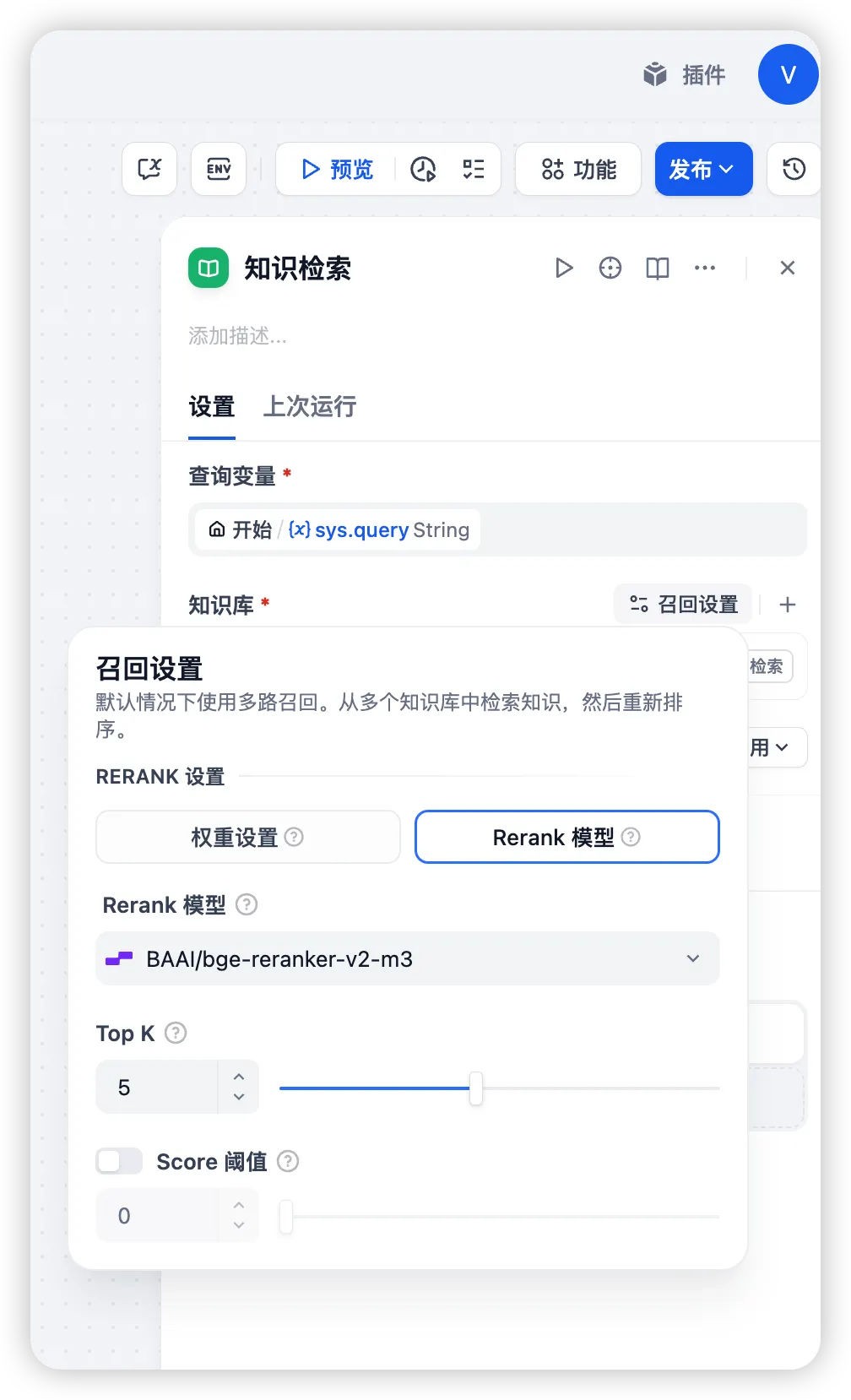 选择BAAI/bge-reranker-v2-m3免费模型,Top K 调整到 5。
- 配置 LLM 节点
- 选择本地 ollama 部署的 qwen3:32b 模型
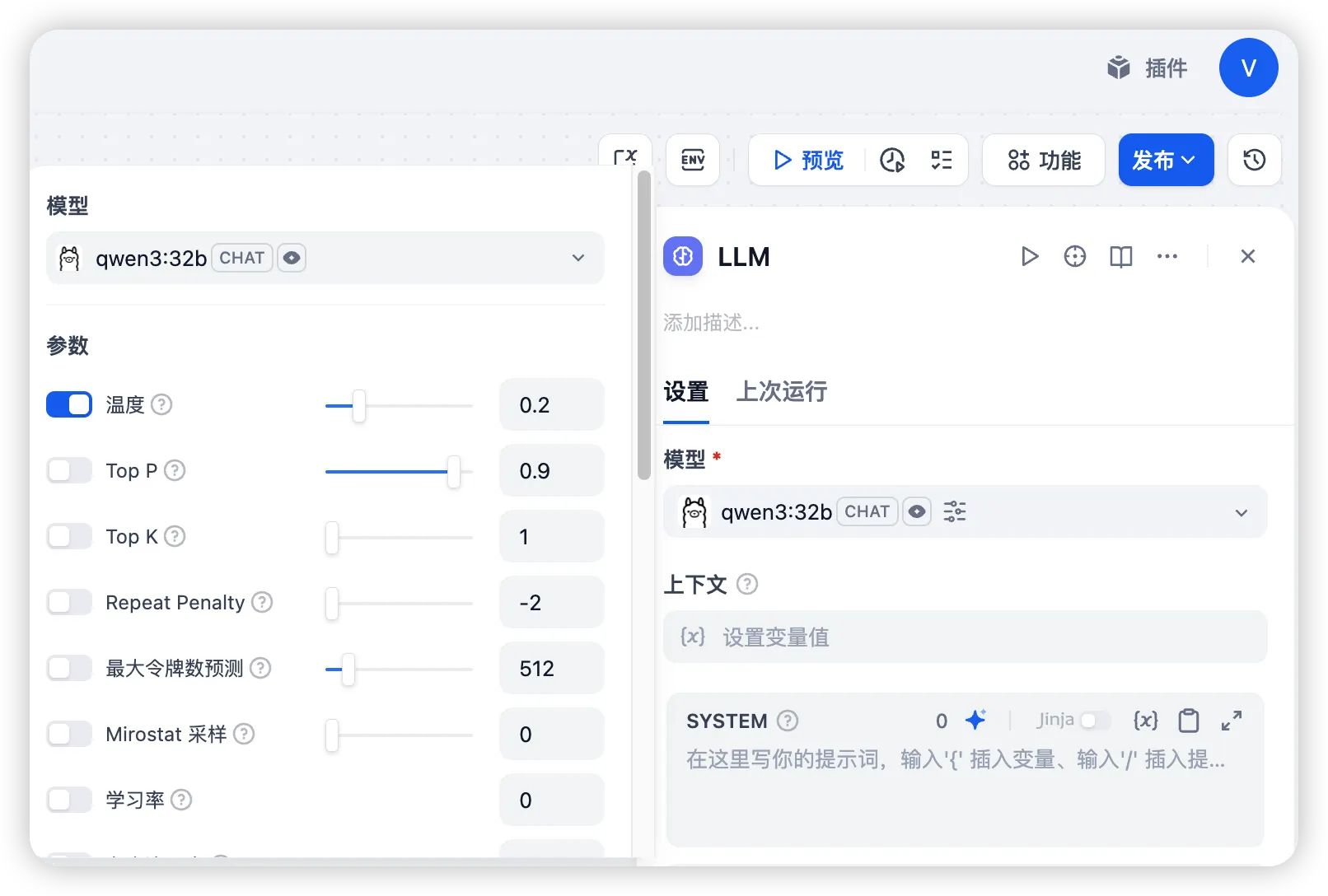
- 配置系统提示词,通过“/”增加输入变量和上下文变量
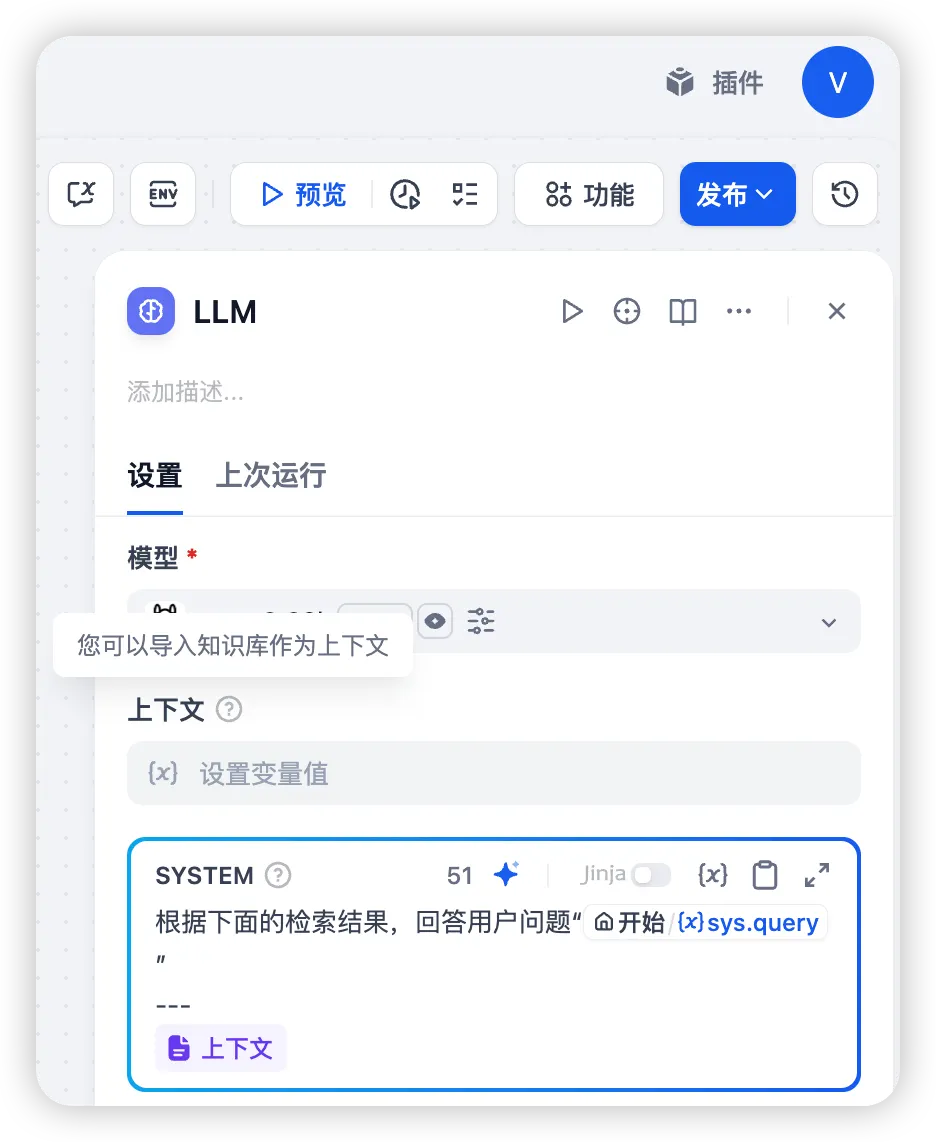
- 配置上下文知识检索变量
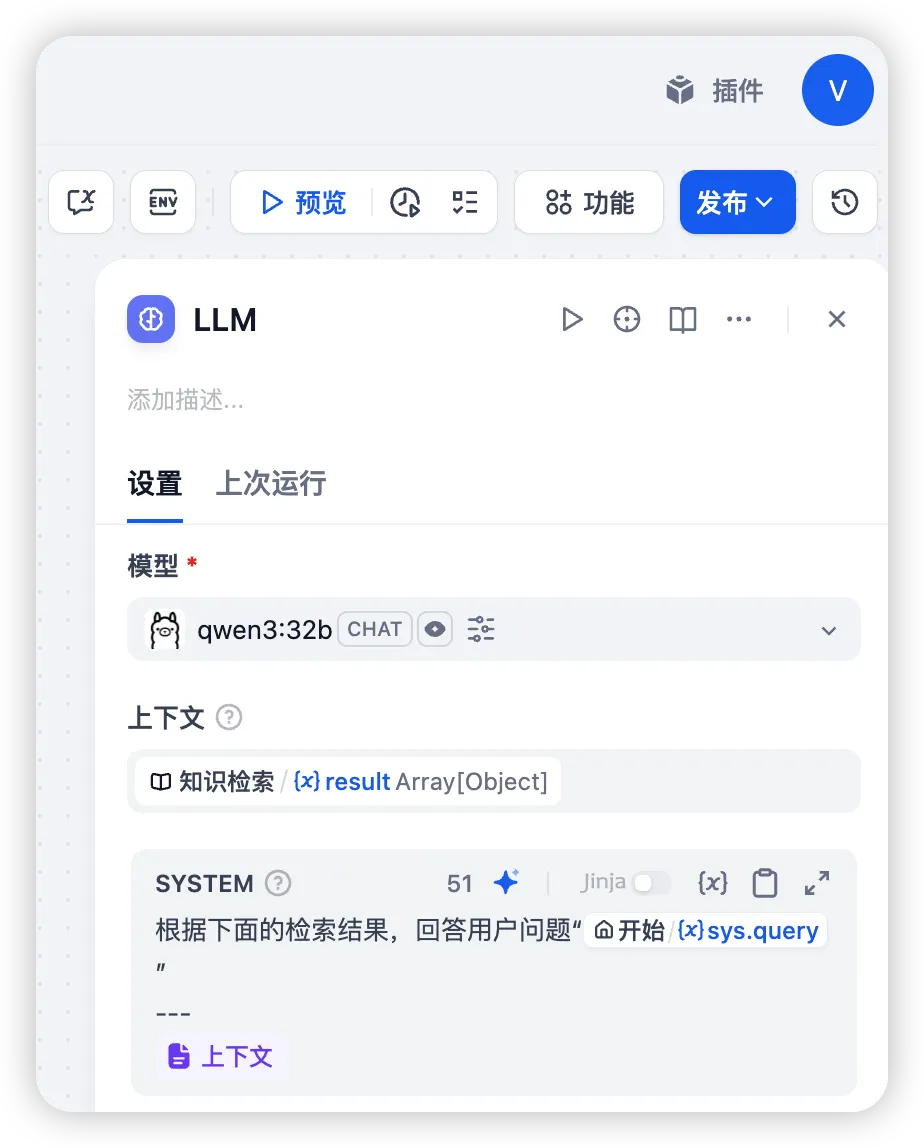
- 配置直接回复节点
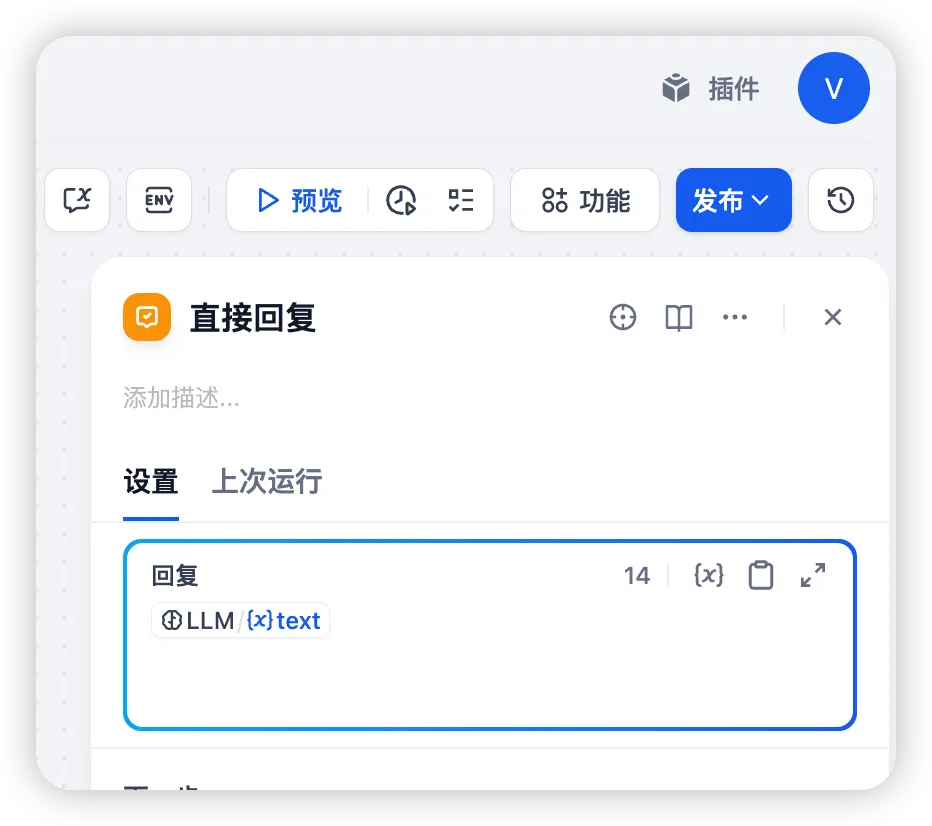
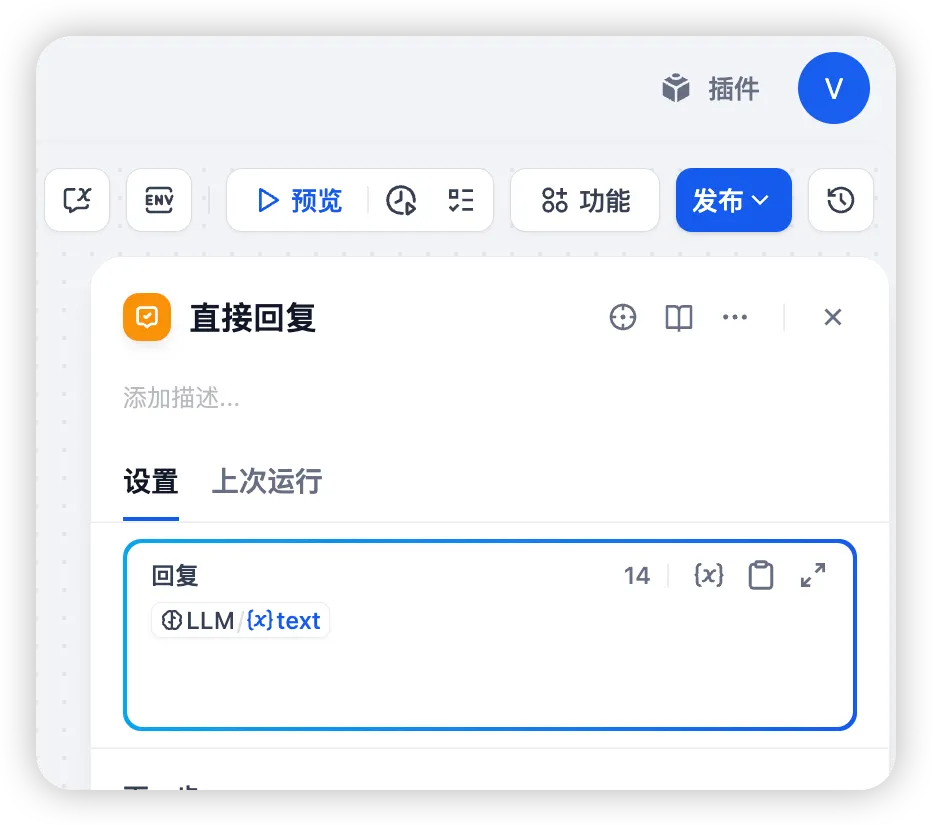 最终的简单流程如下:
6 测试效果
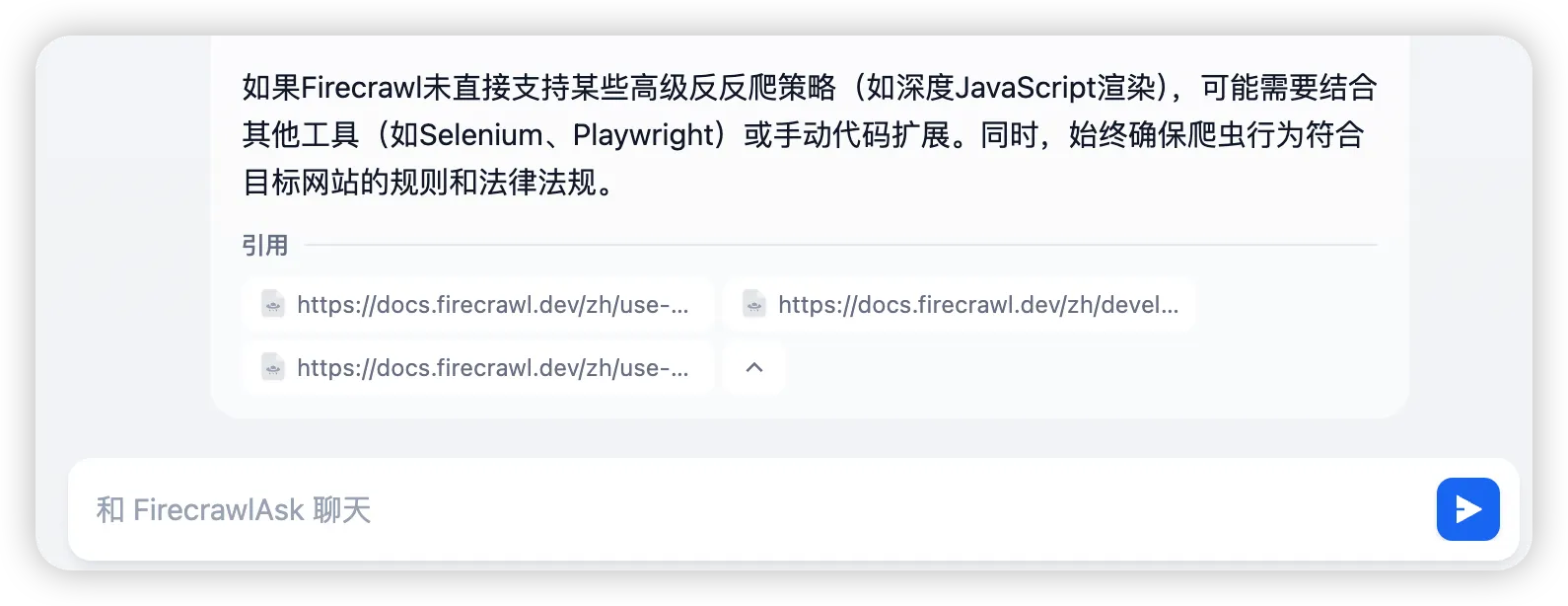
 在对话末尾会给出引用知识库文章的链接:
 至此,一个简单的知识库搭建完成,这种方法适用于技术文档、API 指南等知识库搭建,使我们可以通过自然语言进行提问。